
The existing workflow mattered.
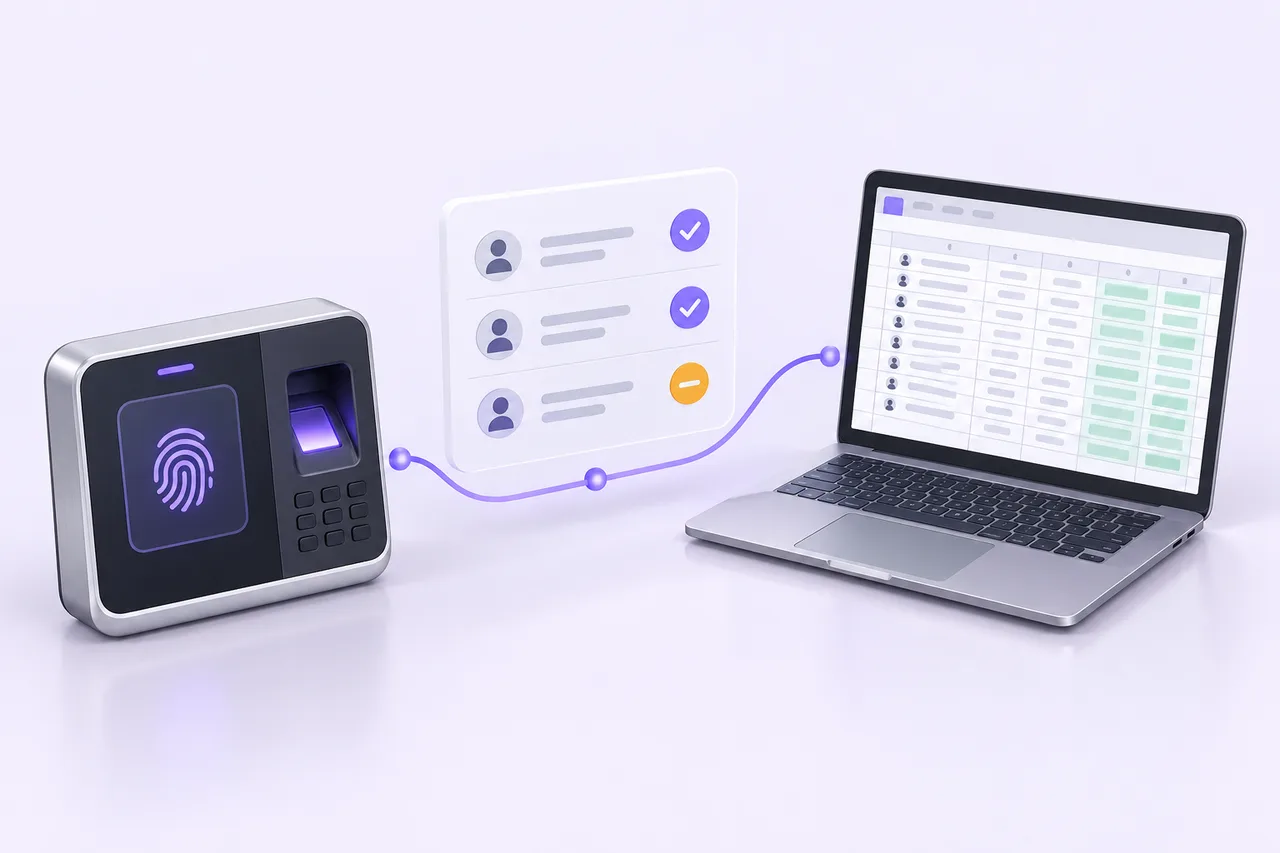
Ocean Deli Packing Corporation needed to connect biometric attendance records to the payroll spreadsheet its team already used. Overnight shifts and missing punches needed attention, and the workbook’s formulas and formatting had to survive the export.
What MYG built
A custom attendance processor pairs punches, calculates hours and flags exceptions for review. The team can review the processed records and export them into its existing Excel format, with formulas and formatting preserved.
Follow an attendance exception.
Try the simplified import, review and export walkthrough. The sample includes a missing clock-out so you can see why an incomplete record needs attention.
Try the workflow
Illustrative recordsOne clock-out is missing. See how it stays visible before payroll.
The input
Two files. A familiar process.
Biometric export
Clock-in and clock-out records · CSV / XLSX
Existing payroll template
The team’s layout and formulas · XLSX
Import step.
A simplified demonstration of the attendance processor. No client employee data, uploads, or payroll changes. Figures are illustrative.
Illustrative records only. This is a simplified demonstration, not the production interface. No client employee records are shown or changed.
A starting point for a similar workflow
Bring anonymized attendance exports, a blank workbook and the rules your team uses to resolve exceptions. Those details help determine whether a focused processor can fit your process and what needs to be reviewed by a person.
Read the attendance automation guide →Project account by MYG Tech Solutions. Visit Ocean Deli’s public Facebook page.